
Config slices
Themes split configuration into focused files merged in src/config/site.ts:
- identity.ts —
name,tagline,url, navigation (links, dropdowns, CTA), footer groups, font stacks - blocks.ts — default copy for
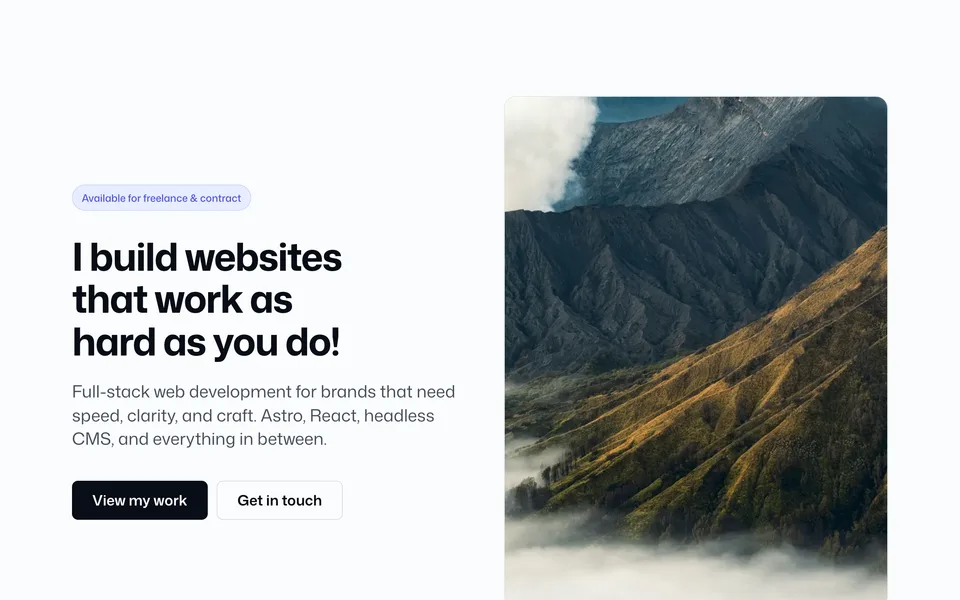
<Hero01 />,<Services01 />,<CTA01 />, etc. - banner.ts — site-wide announcement bars (
Banner01,Banner02) - integrations.ts — SEO metadata, contact form provider, analytics, AEO/FAQ data.
seo.sameAsalso feeds Footer 03 social icons.
Navigation (identity.ts)
navigation: {
  sticky: true,
  dropdownTrigger: "hover", // desktop: "hover" | "click"
  links: [
    { label: "Work", href: "/work/" },
    {
      label: "Services",
      href: "/#services",
      children: [
        { label: "Websites", href: "/#services" },
        { label: "Web apps", href: "/#services" },
      ],
    },
  ],
  cta: { label: "Start a project", href: "/contact/", size: "md" },
},
Types live in src/lib/nav.ts (NavLink, NavMegaSection, NavDropdownTrigger).
Full guide: Navigation components — children vs sections, featured columns, icons, widths, mobile behavior, recipes.
Chrome demos: Navbar 01, Navbar 03, Navbar 04, Navbar 05, Navbar 06.
Merged export
import { identity } from "./identity";
import { integrations } from "./integrations";
import { blocks } from "./blocks";
import { banner } from "./banner";

export const siteConfig = {
  ...identity,
  ...blocks,
  ...integrations,
  banner,
};
Each block is documented under Blocks with its config key and inline override examples. UI atoms live under Components.
Overriding on pages
Blocks accept props that override siteConfig defaults:
<Hero01 heading="Custom headline" primaryCta="Book a call" />Production checklist
- Set
identity.urlandastro.config.mjssiteto your domain - Update
integrations.seotitle, description, ogImage - Configure
integrations.contactForm.provider