
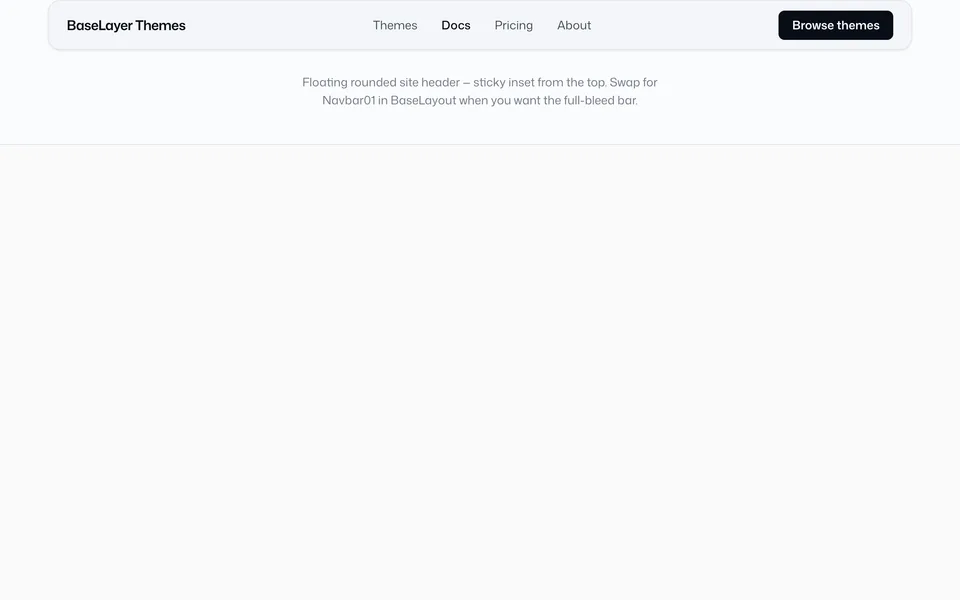
Chrome
Site chrome that wraps every page.

Marketing
Page sections you compose into landing and interior pages.
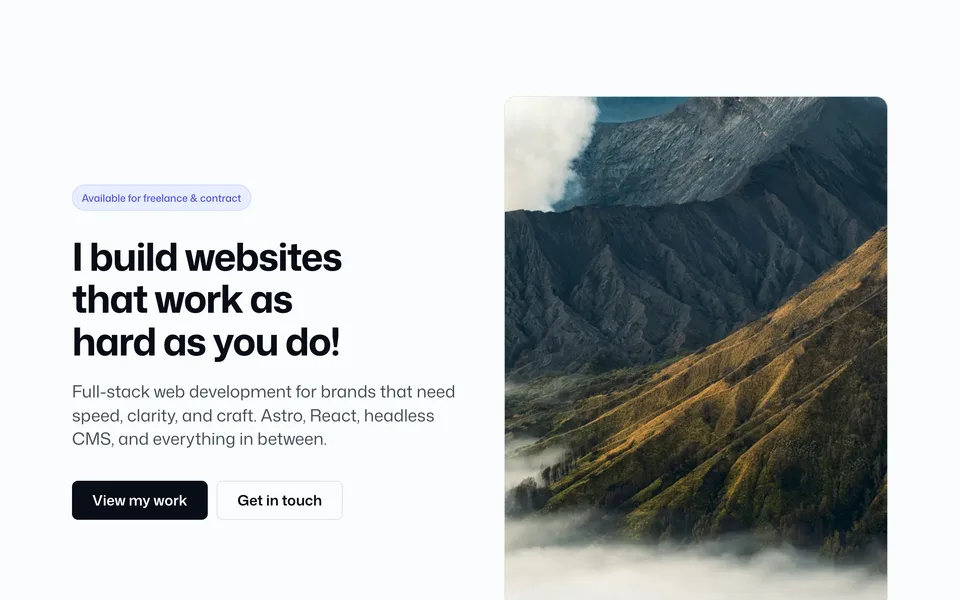
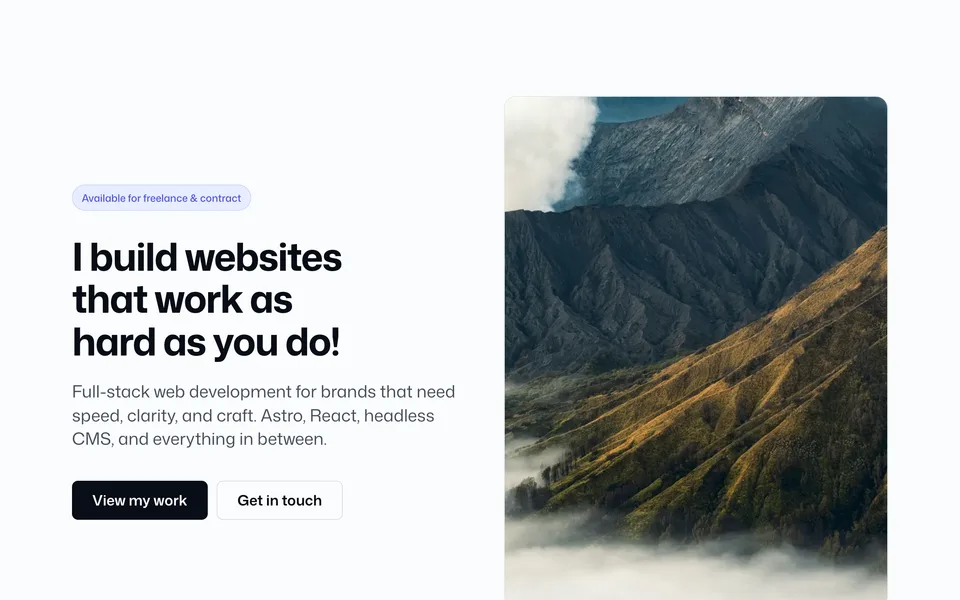
Homepage heroes — split, centered, full-bleed, and feature layouts
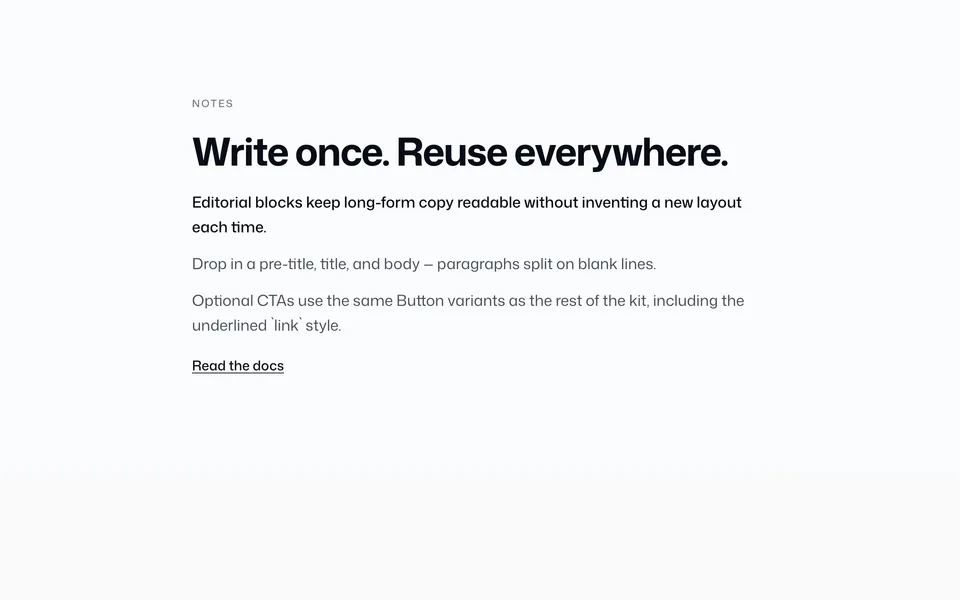
Editorial copy layouts — single column, multi-column, and image split

Carousel and scroll-sync layouts
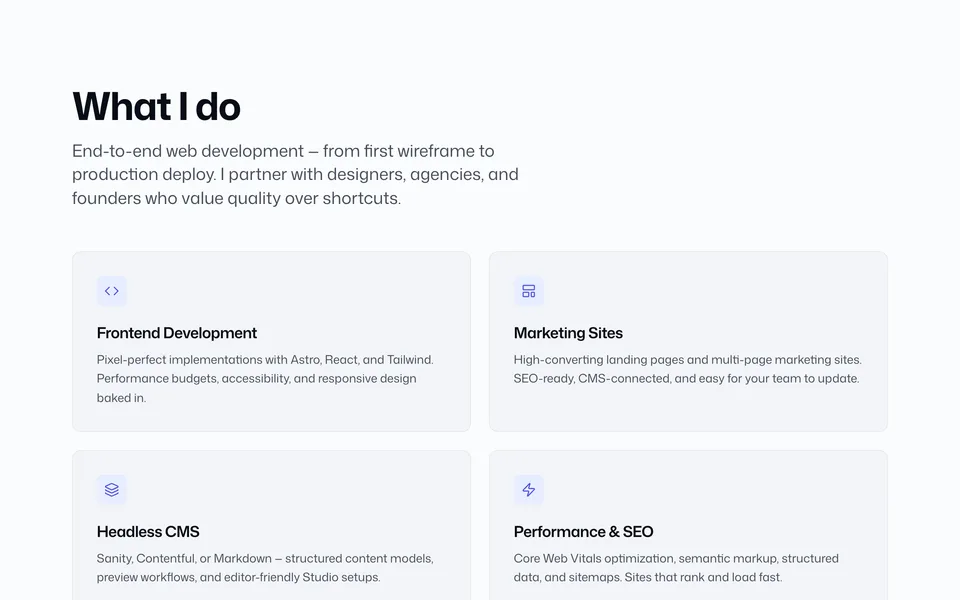
Service grid block
Project case study grid
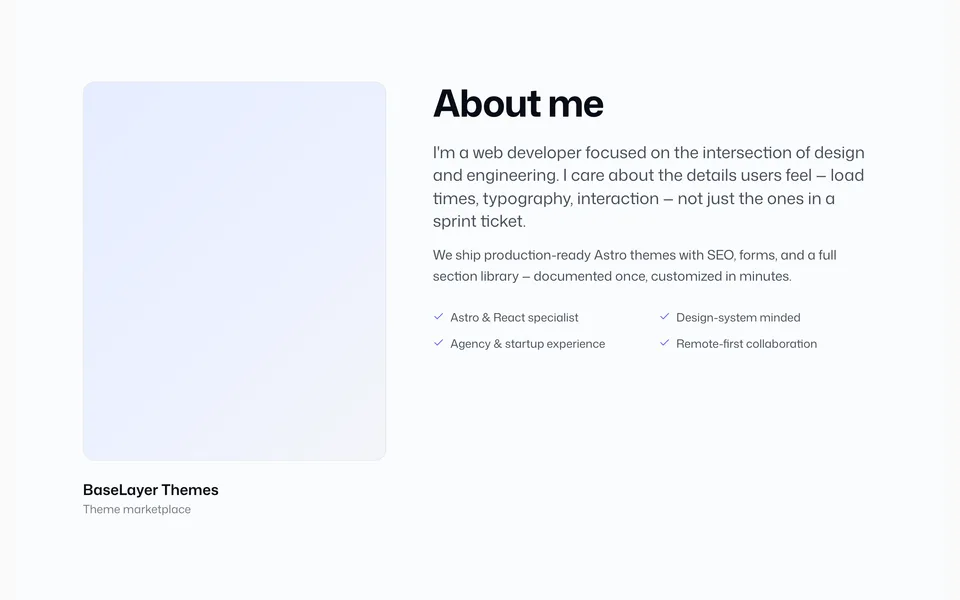
Bio and highlights
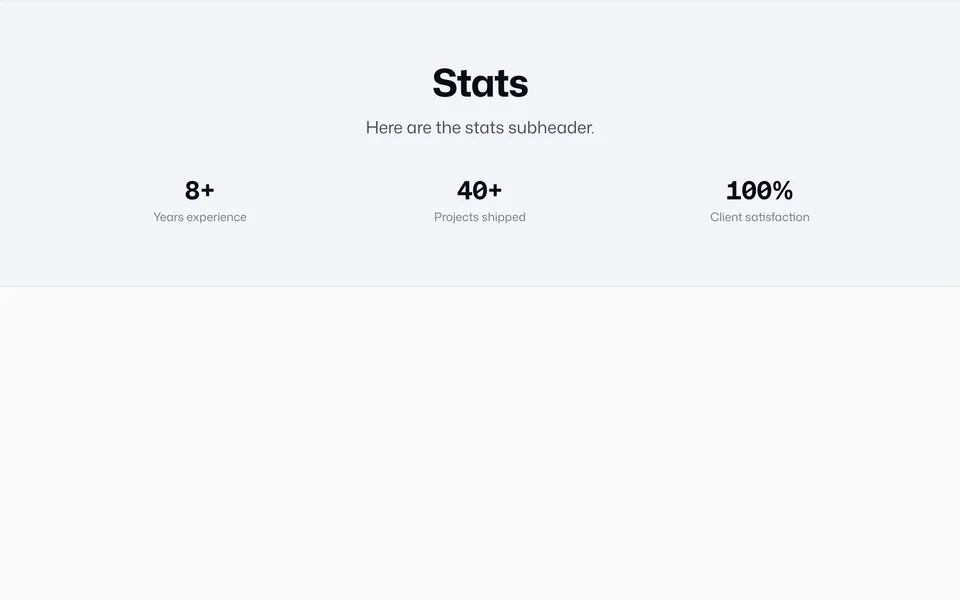
Animated stat band
Auto and scroll-linked text marquee
Auto and scroll-linked logo marquee
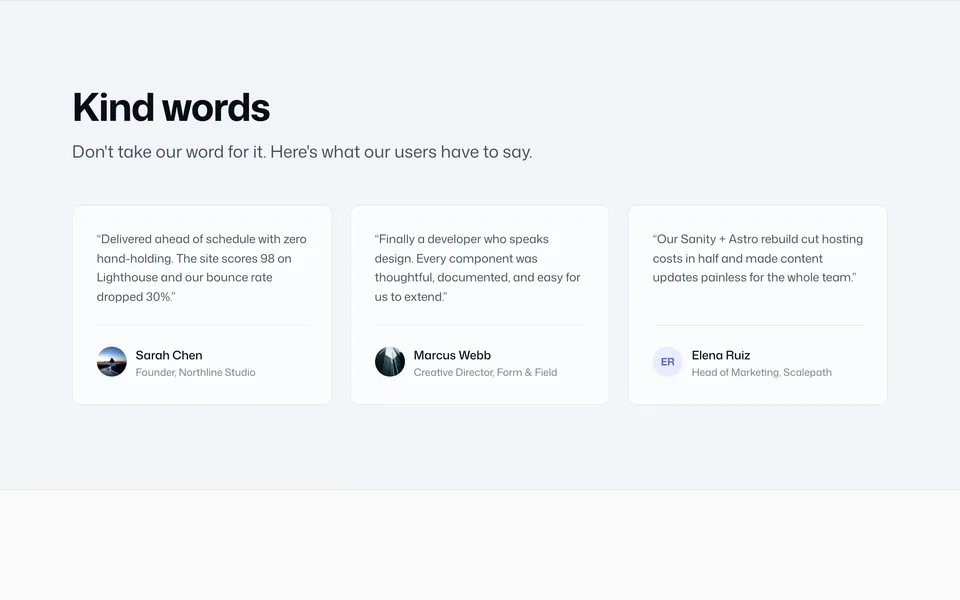
Grid, slider, and single quote
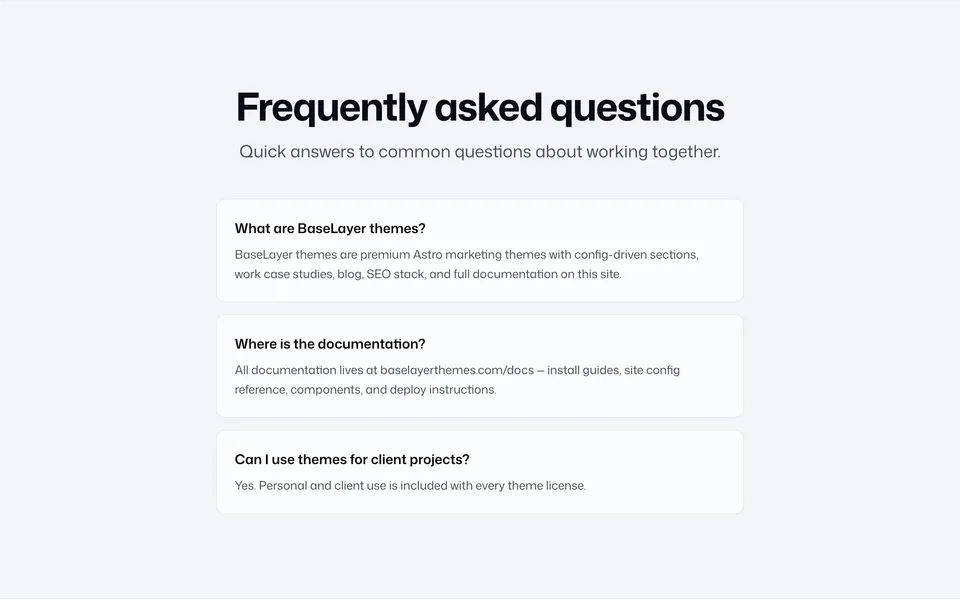
Static cards, accordion, numbered list, and category filter
Recent posts grid

Call-to-action band
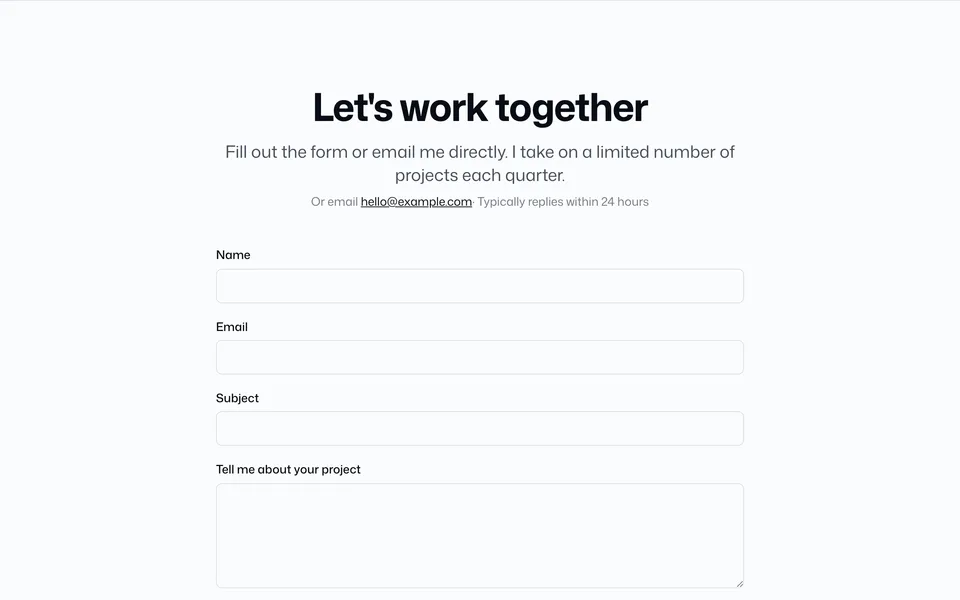
Contact form block
Blocks are full-width page units built from components. Compose them in src/pages/*.astro. Config defaults live in src/config/blocks.ts (and banner.ts for banners).
Browse the catalog above — each card shows how many versions that block has. Open a block to pick a version, then use the arrow controls to move between versions (same idea as Shadcnblocks).
Every version page documents the full config object and a complete props table (prop → config key → allowed values → notes). Props override matching keys from config.
Live previews
Each version page includes an embedded live preview at the top — rendered with default config.
When running your theme locally with dev.showDevRoutes: true:
/blocks/— stacked block catalog/system/components/— component library
Set dev.showDevRoutes: false before shipping.
How blocks get onto a page
BaseLayer themes use a config-first pattern. Block copy lives in config; page files import blocks and optionally override props.
Config slices
| File | Purpose |
|---|---|
src/config/blocks.ts |
Default copy and data for each block |
src/config/banner.ts |
Site-wide banner settings |
src/config/identity.ts |
Nav, footer, author (navbar / footer blocks) |
src/config/integrations.ts |
SEO, forms, analytics |
src/config/site.ts |
Merges all slices into siteConfig |
Blocks read defaults from siteConfig when you do not pass props.
Method 1 — Config + default props (recommended)
Step 1. Edit the block in src/config/blocks.ts:
// src/config/blocks.ts
export const blocks = {
  services: {
    width: "standard",
    heading: "What I do",
    subheading: "Strategy, design, and development.",
    items: [
      { title: "Web development", description: "Astro, React, Tailwind." },
      { title: "SEO", description: "Technical SEO and Core Web Vitals." },
    ],
  },
};
Step 2. Import the block on your page with no props (uses config defaults):
---
// src/pages/index.astro
import Services01 from "@/blocks/services/Services01.astro";
---

<Services01 />
Method 2 — Inline prop overrides
<Services01 heading="Capabilities" />Props override matching keys from siteConfig.
Banners are wired in BaseLayout.astro and read from src/config/banner.ts. Toggle with enabled: true | false. See Banner.
Trimming unused blocks
When packaging a theme, remove unused blocks from src/blocks/, drop their keys from blocks.ts, and remove page imports. Buyer-facing overview: Templates.