
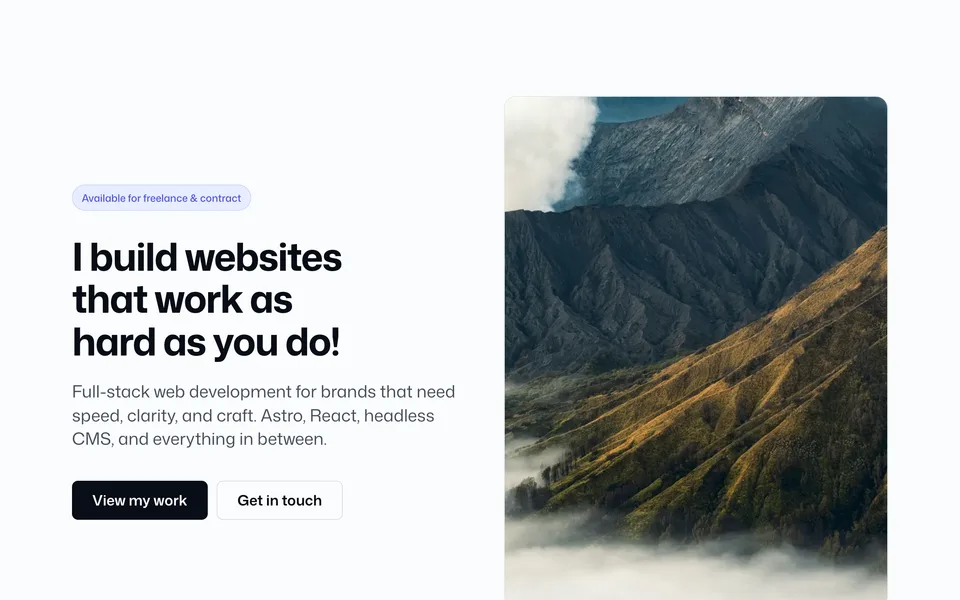

File: src/blocks/content/Content05.astro
Image panel + copy (preTitle, title, body). Flip with imagePosition. Align copy to the image with textPlacement.
Config (blocks.ts → content05)
content05: {
  width: "wide",
  preTitle: "Case study",
  title: "From brief to launch…",
  preText: "One theme. Many pages.",
  text: "…\n\n…",
  ctaVariant: "link",
  image: photos.interior,
  imagePosition: "right",
  imageRadius: "2xl",
  textPlacement: "center",
  padding: "lg",
},
Props
| Prop | Config key | Type / values | Notes |
|---|---|---|---|
preTitle / title / preText / text |
content05.* |
string |
Body uses blank-line paragraphs |
cta / ctaUrl / ctaVariant |
content05.* |
Button variants | Default link |
image / imageAlt / imageAspectRatio |
content05.* |
— | Prefer photos.* |
imagePosition |
content05.imagePosition |
left | right |
Flip columns |
imageRadius |
content05.imageRadius |
radius token | — |
textPlacement |
content05.textPlacement |
top | center | bottom |
Vertical align vs image |
width / padding / borders |
— | Shared chrome | — |