Theme / News, Magazine
Blakey
A bold news theme for independent newsrooms and magazines.
Made for
Independent newsrooms, online magazines, trade and industry news, and student and local papers
Status
In development
- Astro and Astro + Sanity editions included
- Unlimited personal and client projects
- Updates for new Astro and Tailwind releases
- Read the docs
- Pages
- 15
- Sections
- 12
- Form providers
- 5
- Blog
- Yes
See Blakey up close
01 / 09
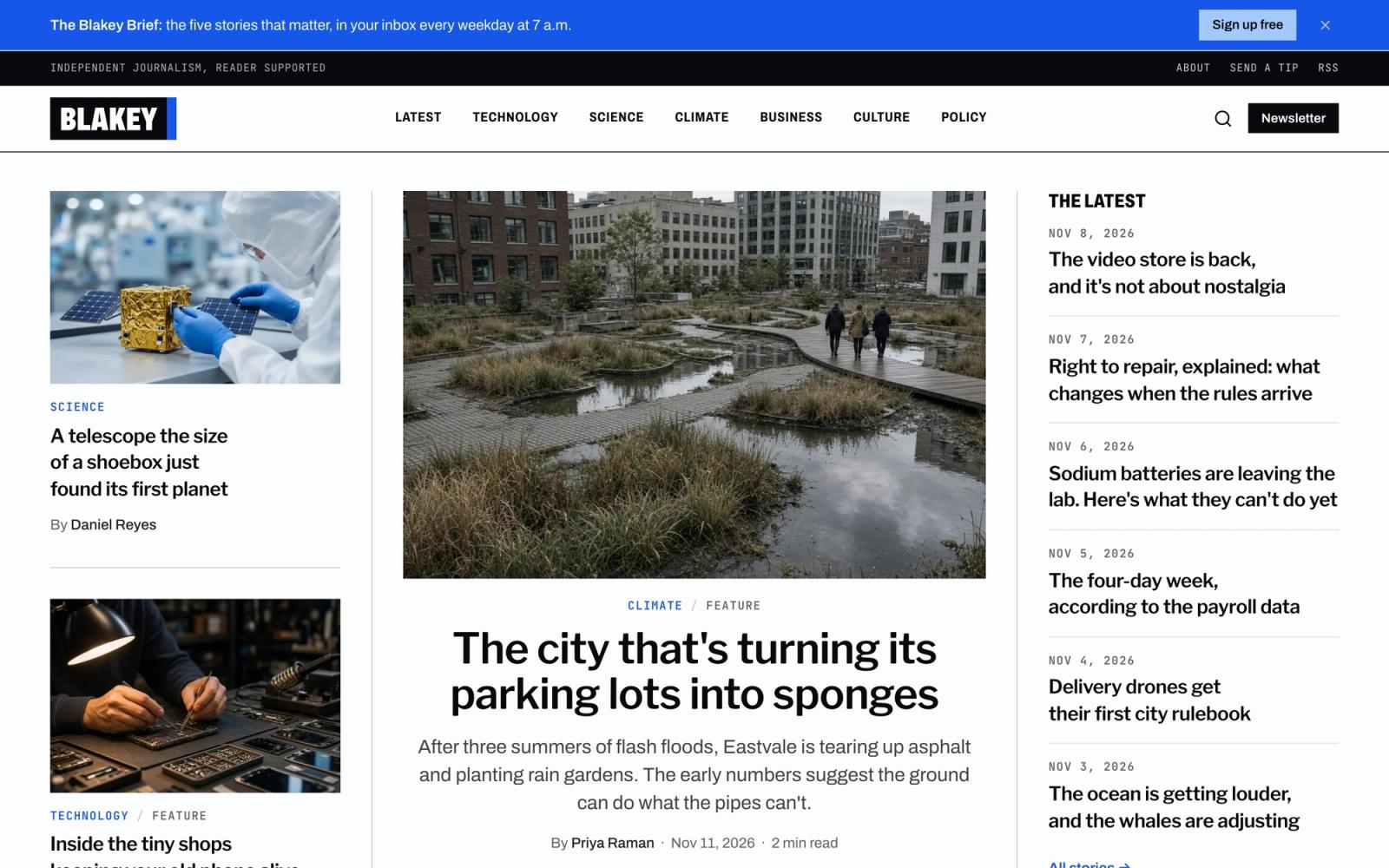
Front page with the lead story, two more, and The Latest rail 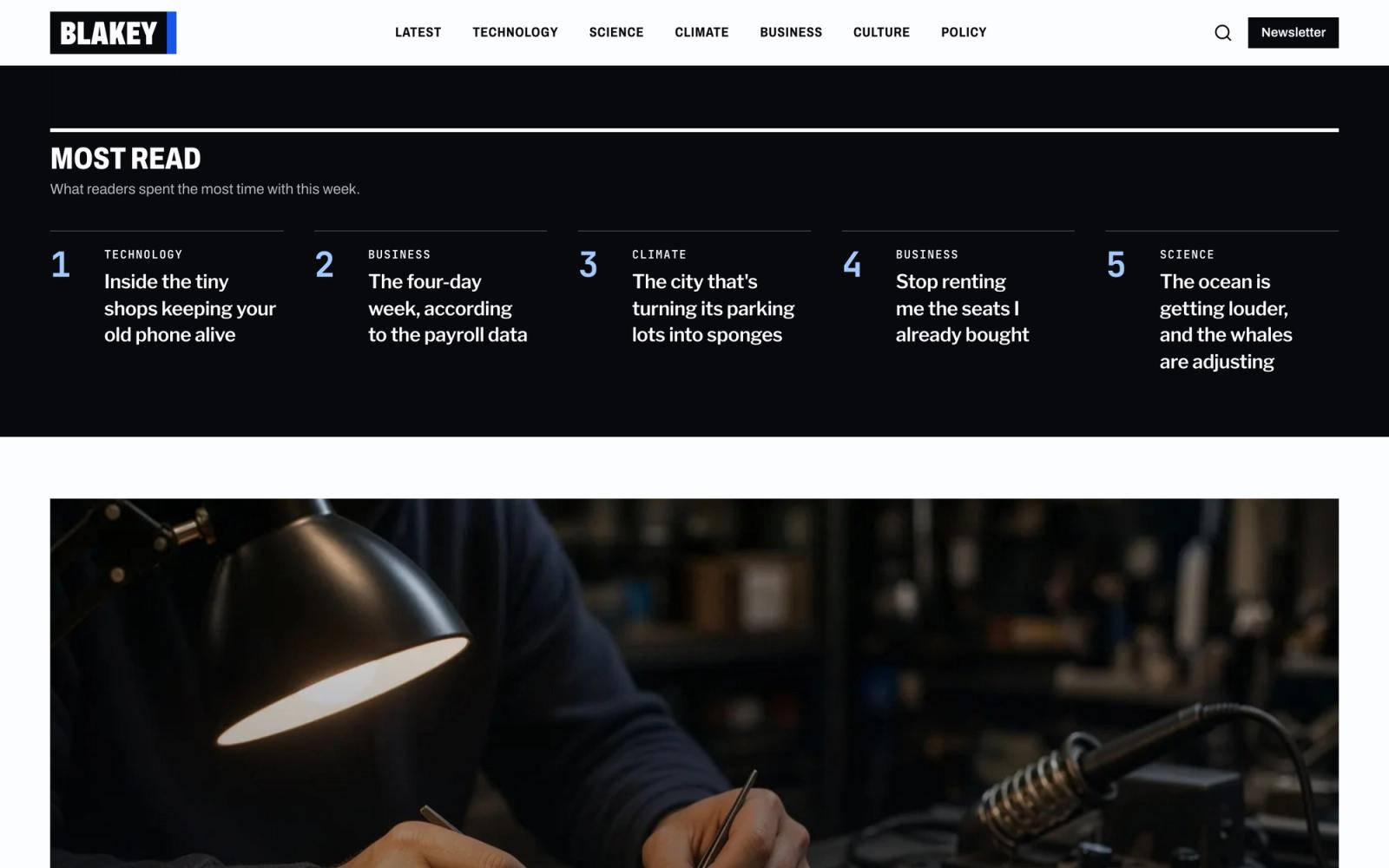
Most read: the week's top five stories in a dark band 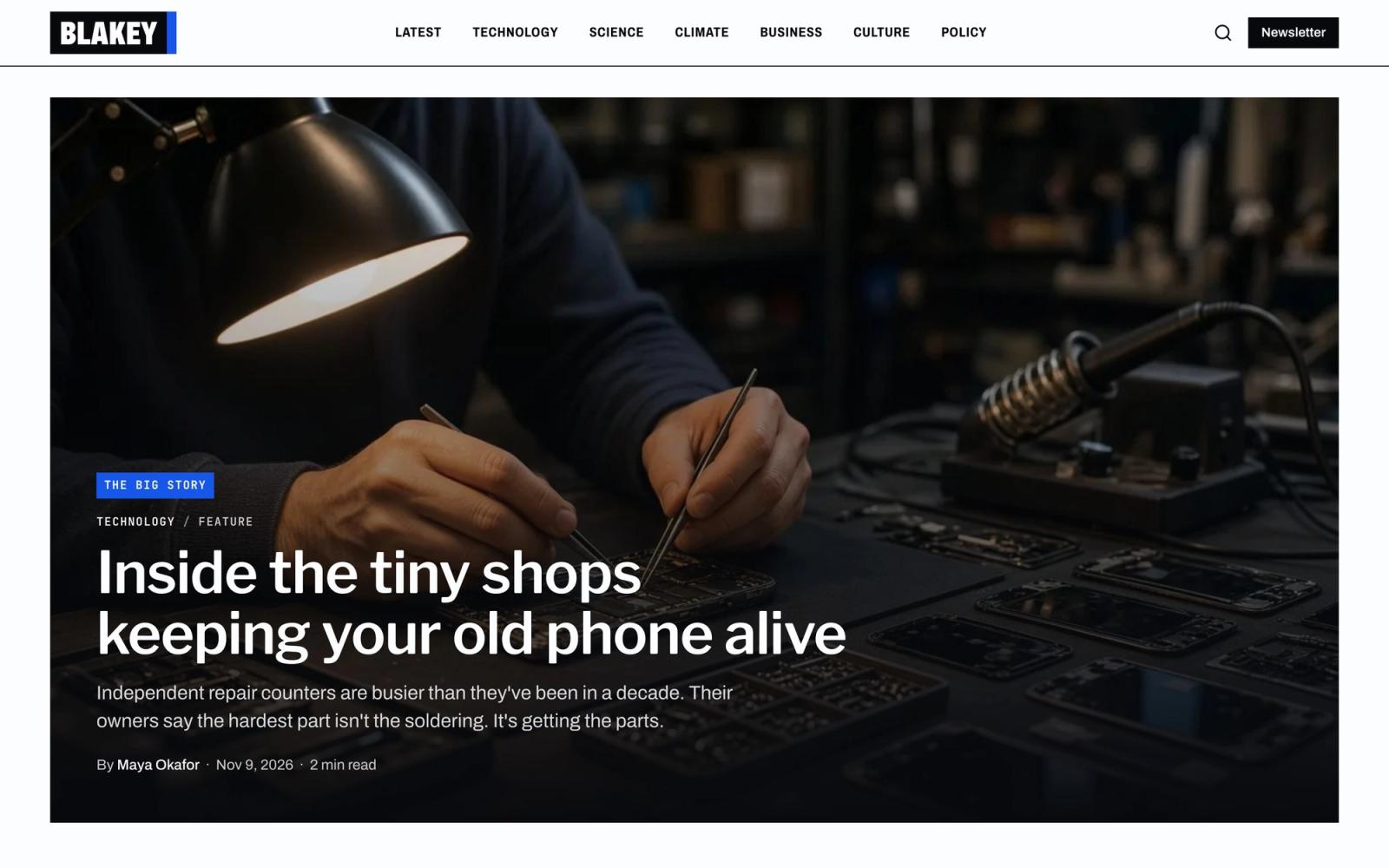
The Big Story over a full-width photo 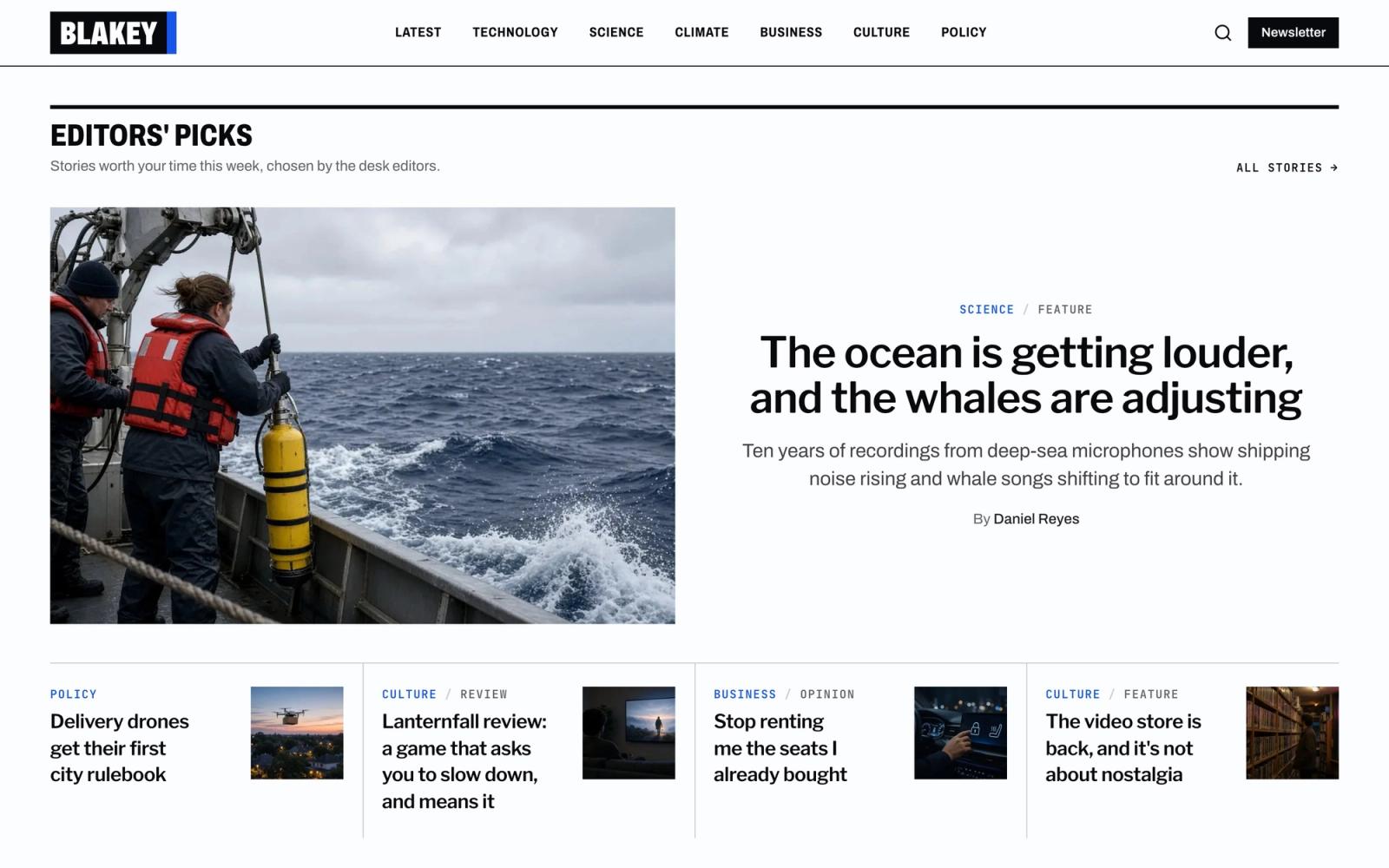
Editors' Picks: a lead story over a row of four 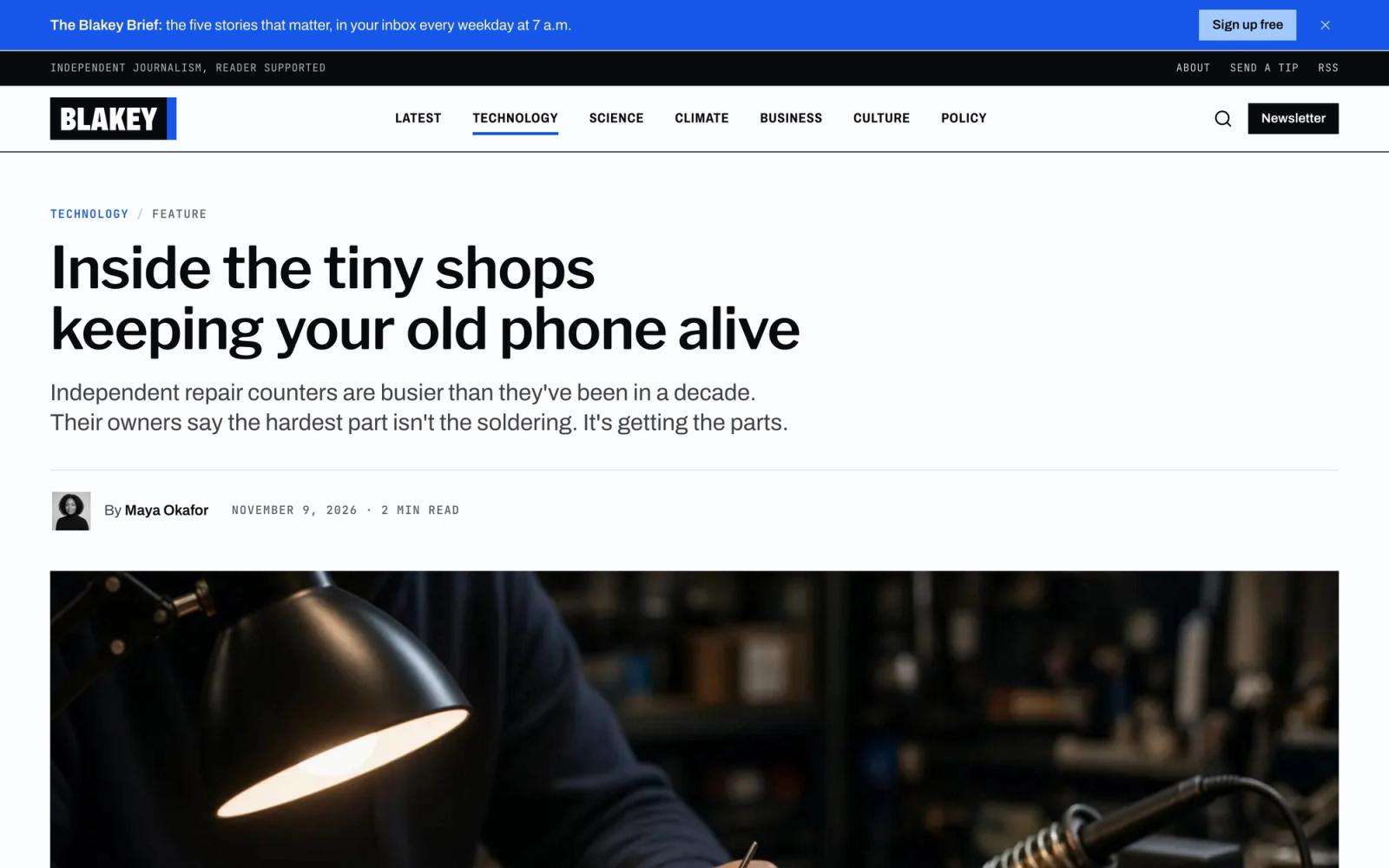
Feature story with section and format labels, dek, and byline 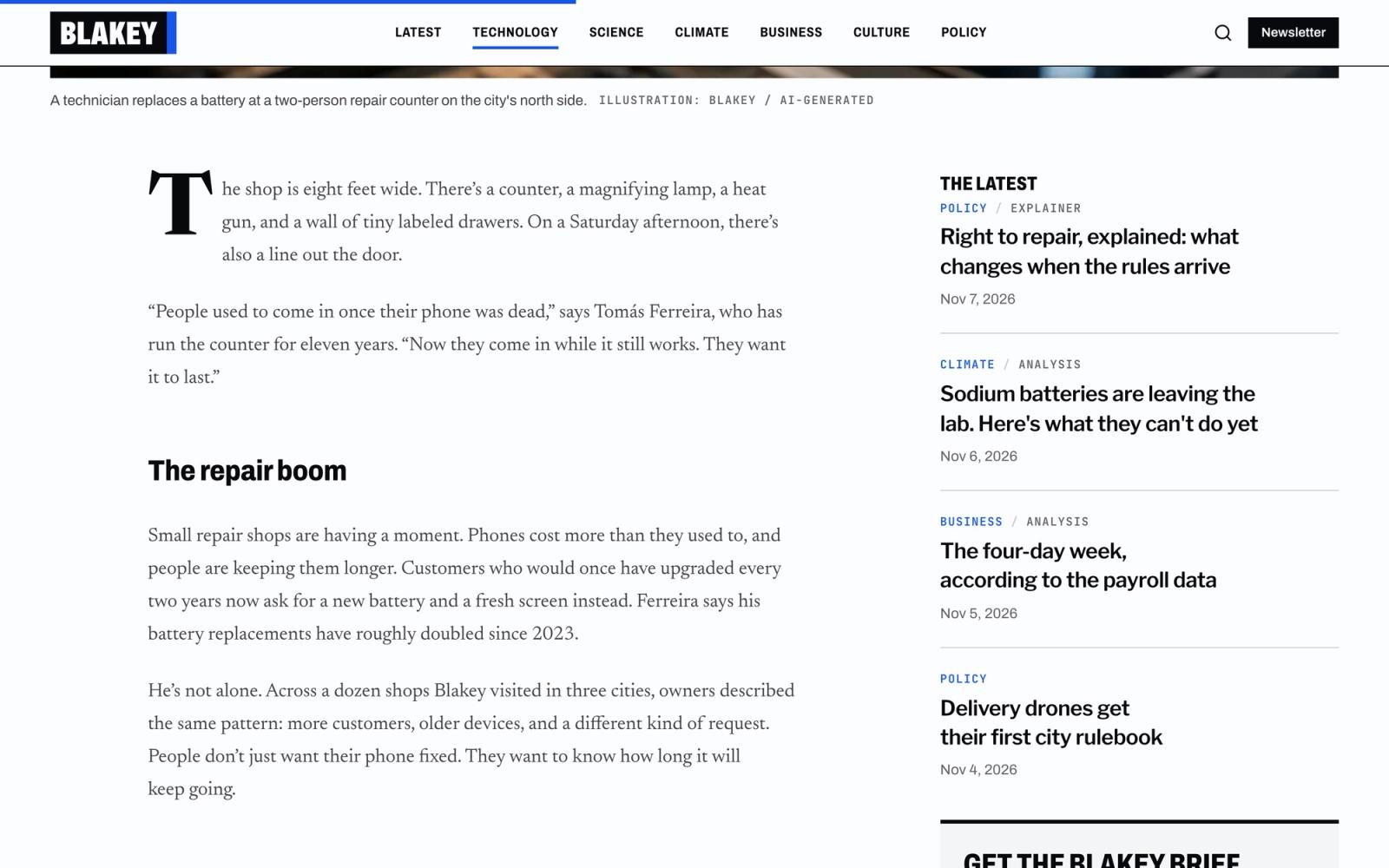
Story text with a drop cap beside The Latest 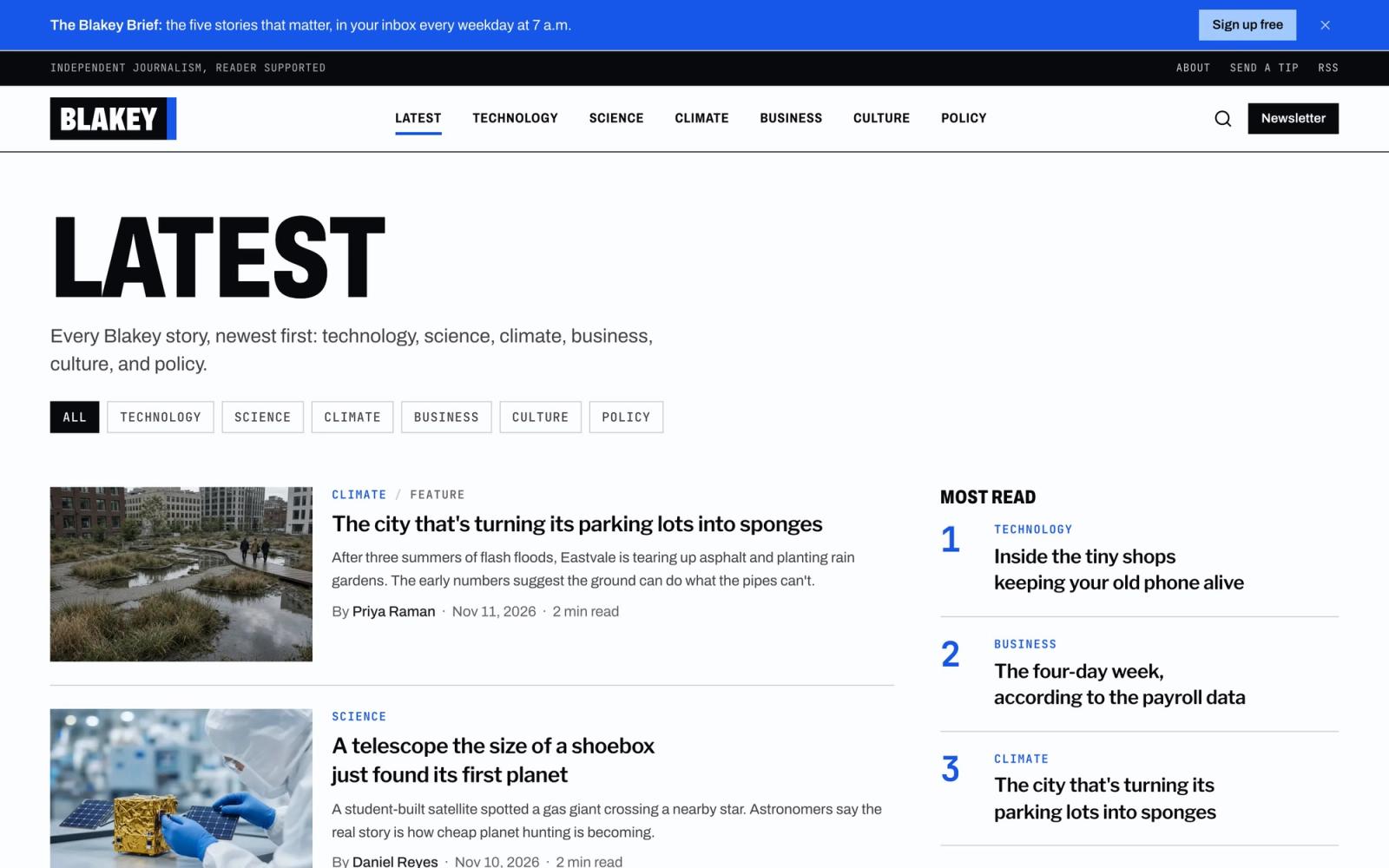
Latest stories with section filters and a most-read sidebar 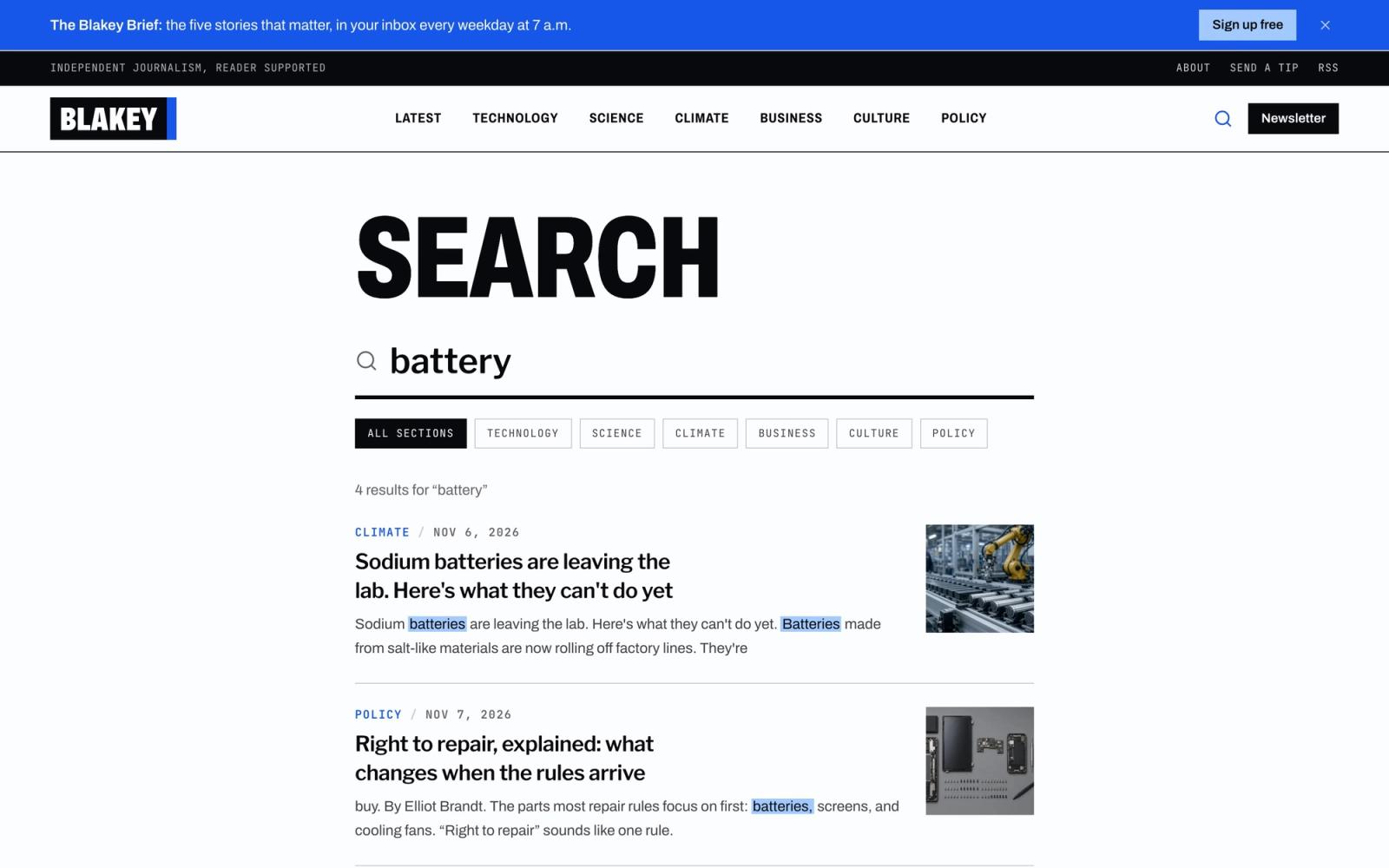
Search results with highlights, thumbnails, and section filters 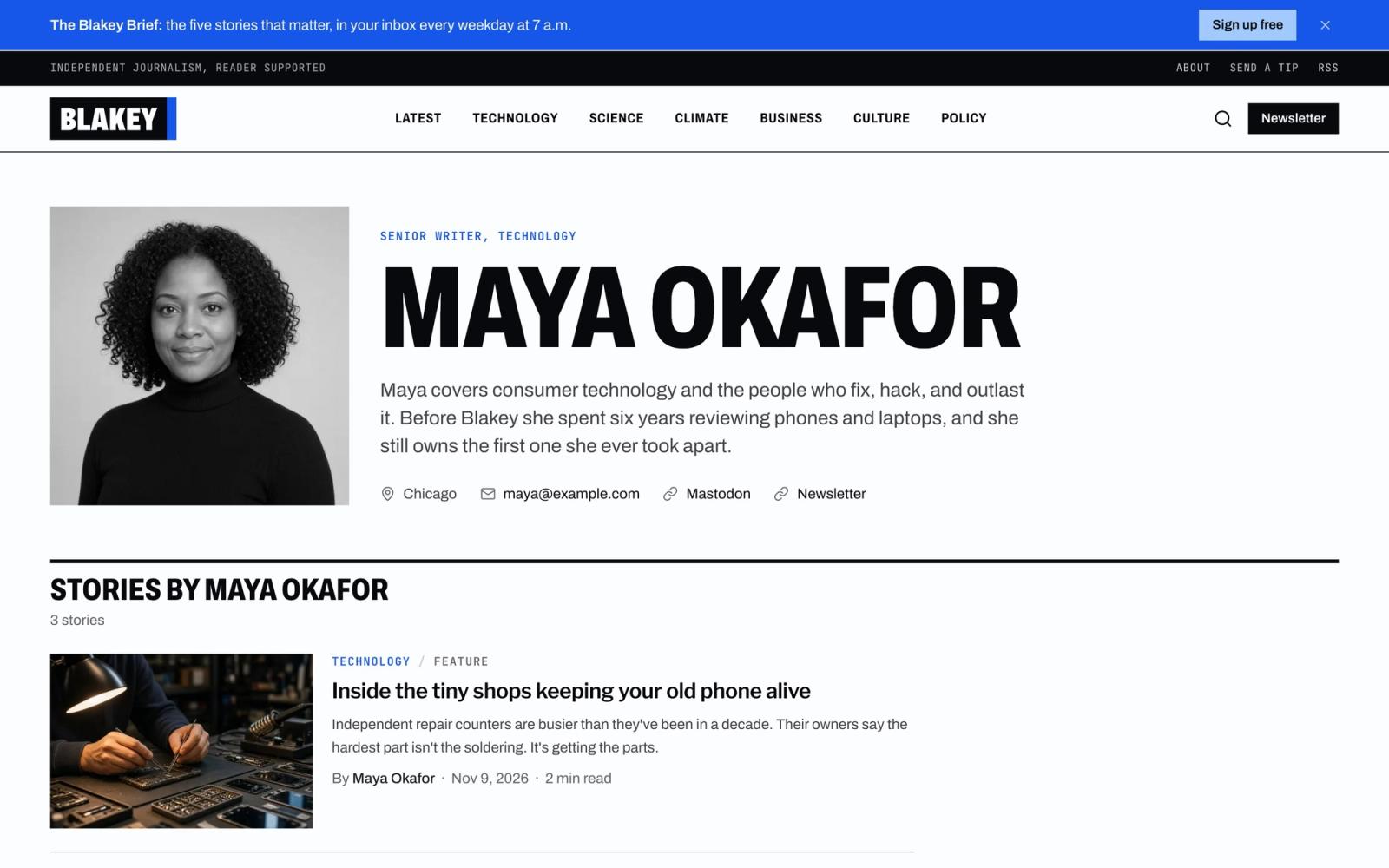
Reporter profile with bio, links, and stories
Two editions, one purchase
Buying Blakey gets you every edition as its own repo. Pick the one that matches how you want to edit content, or try both.
Astro edition
Stories and reporters are Markdown files in the repo, sections are one JSON file, and images sit beside them. No accounts or services: edit, commit, and your host rebuilds.
---
title: Stop renting me the seats I already bought
description: Carmakers want monthly fees for features already built into the car.
date: 2026-10-30
section: business
authors: [maya-okafor]
format: opinion
tags: [cars, subscriptions, consumers]
image: ../../assets/news/car-dashboard.jpg
imageAlt: A modern car dashboard with a large touchscreen
imageCredit: "Illustration: Blakey"
---Write in any editor
Frontmatter for the headline, dek, section, byline, format, and lead image. The build checks every field.
Everything in Git
Stories, reporters, and images are versioned with the code, so every change can be reviewed and rolled back.
Nothing to set up
Clone, install, and run. No API keys, no accounts, no monthly plan.
Front page by slug
List the Most read, Big Story, and Editors' Picks stories in src/config/pages.ts.
Drafts and hidden stories
draft: true keeps a story off the site. seo.noindex: true publishes it but keeps it out of search, the sitemap, and llms.txt.
Every story as Markdown
Each story is also served at /news/<slug>.md, and /llms-full.txt has every story in one file for AI assistants.
Astro + Sanity edition
Stories, sections, reporters, the front page, and site settings live in Sanity Studio, an editor in the browser you can share with your newsroom. Publishing rebuilds the static site, so pages stay as fast as the Astro edition.
npm install
npm run setup    # creates your Sanity project and loads the demo
npm run dev      # the site at localhost:4321
npm run studio # the Studio at localhost:3333One-command setup
npm run setup creates a Sanity project in your account, loads the demo content, and writes your .env files.
A Studio for newsrooms
Rich text with images and captions, multi-reporter bylines, formats, image hotspots, SEO fields, and stories listed by section.
Program the front page
Pick the lead, Most read, The Big Story, and Editors' Picks in one document. Empty spots fall back to featured stories.
Edit the About page
Intro, lead image, story, masthead, and standards in one document. Blank fields fall back to pages.about; the reporters grid still comes from Reporters.
Rebuilds on publish
A webhook starts your host's build whenever a story, section, reporter, the front page, About, or site settings change.
Site settings
Masthead, section row, the newsletter banner, footer, SEO, page titles, AI and search details, and analytics, in eight tabs. New sections join the menus on their own.
Your project, your data
The repo ships with no project IDs or tokens. Content lives in your own Sanity project, on the free plan. Import an Astro edition site any time.
Every page
Blakey looks like a newsroom that means it. A knocked-out wordmark, Libre Franklin headlines, Newsreader for long reads, and one electric-blue accent on black and cool white give every story weight without clutter.
Stories belong to a section, carry one or more reporters in the byline, and have a format: news, feature, analysis, explainer, opinion, or review. Write them as Markdown files or in Sanity Studio: one purchase includes both editions, and they share every page and component.
- 01
Front page
A lead story with The Latest rail, Most read, The Big Story, Editors' Picks, every section, and analysis and opinion
- 02
Latest stories
Every story, newest first, with section filters and a most-read sidebar
- 03
Story
Format label, dek, bylines, lead image with caption and credit, a drop cap, reporter cards, related stories, and a progress bar
- 04
Section pages
One page per desk, built from your sections
- 05
Archive
Every story on one page, grouped by month
- 06
Reporters
The whole newsroom with photos, roles, and beats
- 07
Reporter profile
Photo, bio, links, and every story they wrote
- 08
Search
Results as you type, with excerpts, thumbnails, and section filters
- 09
Newsletters
Your lists and a sign-up form for any email provider
- 10
About
The newsroom's story, the masthead, and editorial standards
- 11
Contact and tips
A tips form (Formspree, FormSubmit, Netlify, Cloudflare, or email), a secure-tips note, and common questions
- 12
Privacy
Privacy policy starter text in Markdown
- 13
Terms
Terms of use starter text in Markdown
- 14
Accessibility
Accessibility statement starter text in Markdown
- 15
404
A not-found page with links back into the site
Sections included
- 01
Front page
A lead story, two secondary stories, and The Latest rail
- 02
Story grid
Two, three, or four columns, plain or ruled, with optional dividers
- 03
Story list
Thumbnail left, right, or none, in three sizes
- 04
Story feature
Split, stacked, or headline over the photo
- 05
Story package
A heading, a lead story, and a row of smaller ones
- 06
Ranked list
Numbered stories in a row or a stack, on light or dark bands
- 07
Story archive
Every story grouped by month
- 08
Section list
Cards, filter pills, or a sidebar list
- 09
Author card
Box, mini byline, or grid tile
- 10
Pagination
Numbered pages with newer and older links
- 11
Newsletter banner
A dismissible bar above the masthead
- 12
Tips band
Closing call to send a tip, on any page
What's included
A front page you program
Pick the lead, Most read, The Big Story, and Editors' Picks. Sections and analysis bands fill themselves.
Six story formats
News, feature, analysis, explainer, opinion, and review, each with its own label and structured data type.
Search built in
Instant results with excerpts, thumbnails, and section filters, indexed at build time. No search service to run.
Astro or Astro + Sanity
Both editions share every page and listing component; only where you write changes. Listings never fetch data, so connecting another CMS only touches the data loader.
SEO and AI ready
NewsArticle and NewsMediaOrganization structured data, a sitemap, RSS with bylines, llms.txt and llms-full.txt, and AI crawler controls.
Newsletters and tips
A sign-up form for any email provider, a dismissible banner, and a tips page with five form providers.
Built with
- Astro 7
- Tailwind CSS v4
- TypeScript
- Pagefind
Edit the config
Copy, navigation, SEO, and forms live in a few small files.
// src/config/pages.ts
home: {
  bigStory: { label: "The Big Story", story: "phone-repair-shops" },
},

// src/content/news/my-story.md
---
title: The night trains are coming back
section: business
authors: [maya-okafor]
format: feature
featured: true
---